How to register a domain on behalf of your client
This applies to .co.zw, .org.zw and .ac.zw domains.
The .zw registry requires every domain to be registered in the name of its actual owner. If you are a web designer, developer or agency registering a domain for a client, you must use your client’s details, not your own. NivaCity checks that the correct owner details are used. For more on why this matters, see ZISPA and .zw domains.
You can register your client’s domain from your own Clientzone account, without creating a new account for them.
Step 1: Check the domain is available
Section titled “Step 1: Check the domain is available”Log in to your Clientzone and open the domain search.
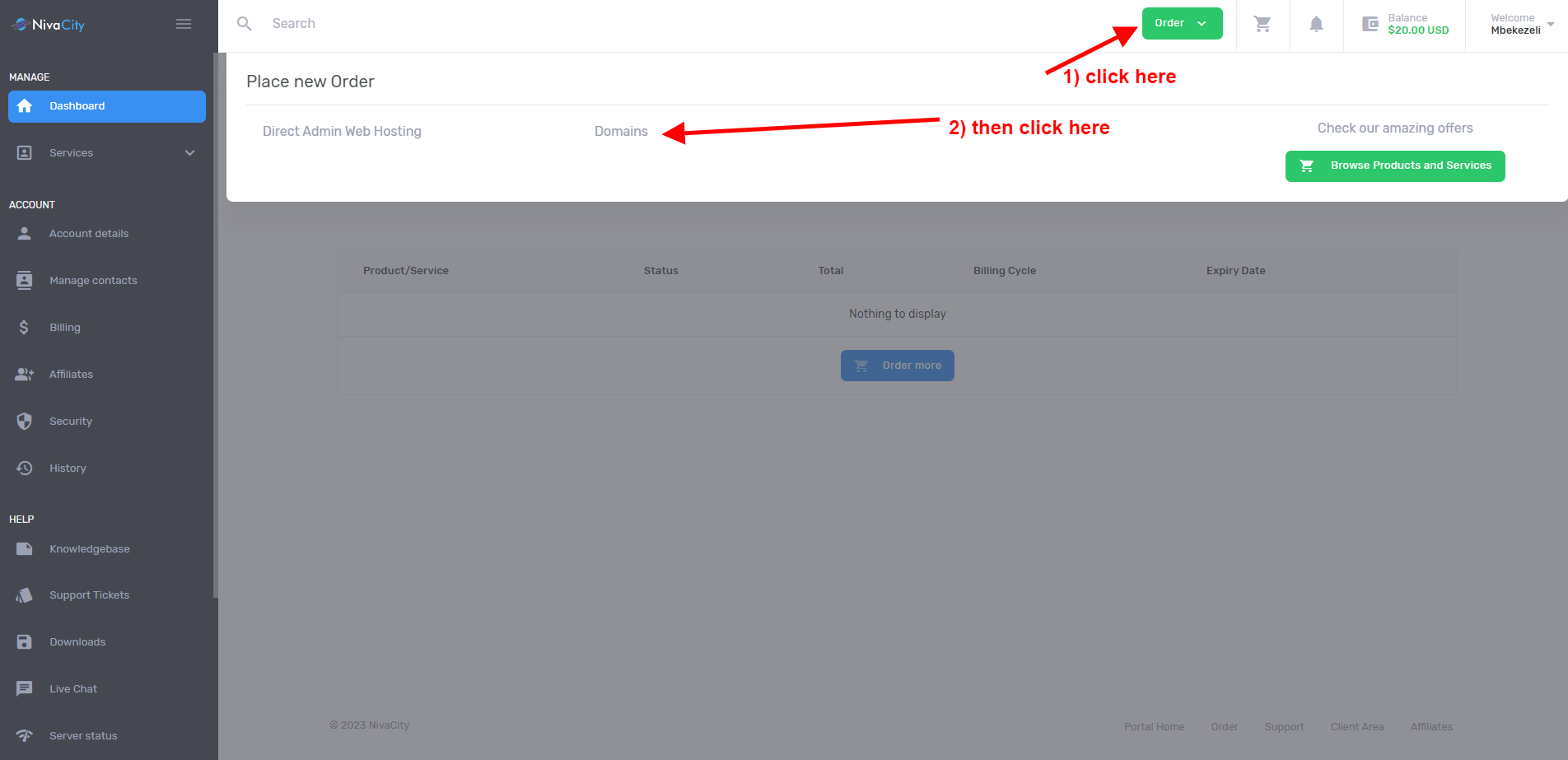
Enter the domain name in the search box.
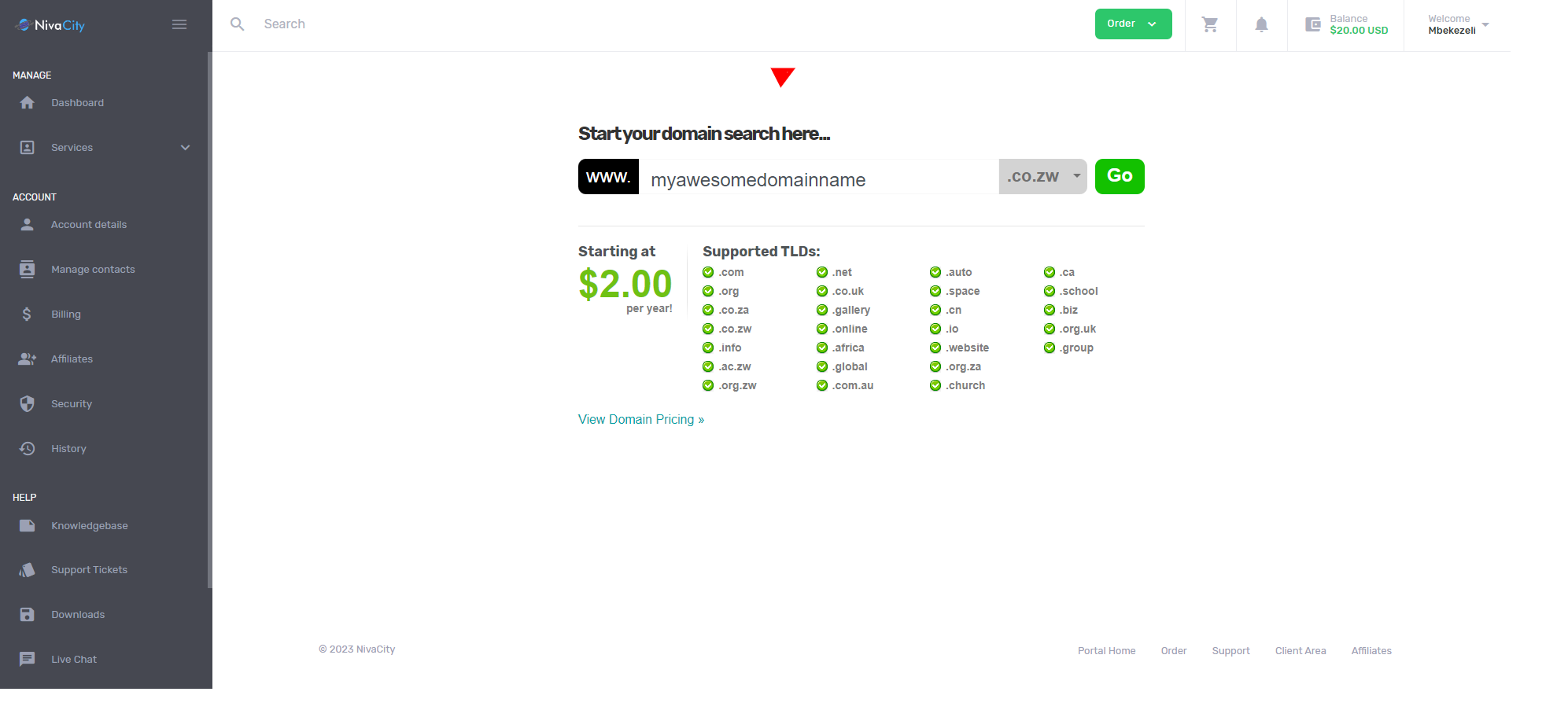
Step 2: Add your client’s details
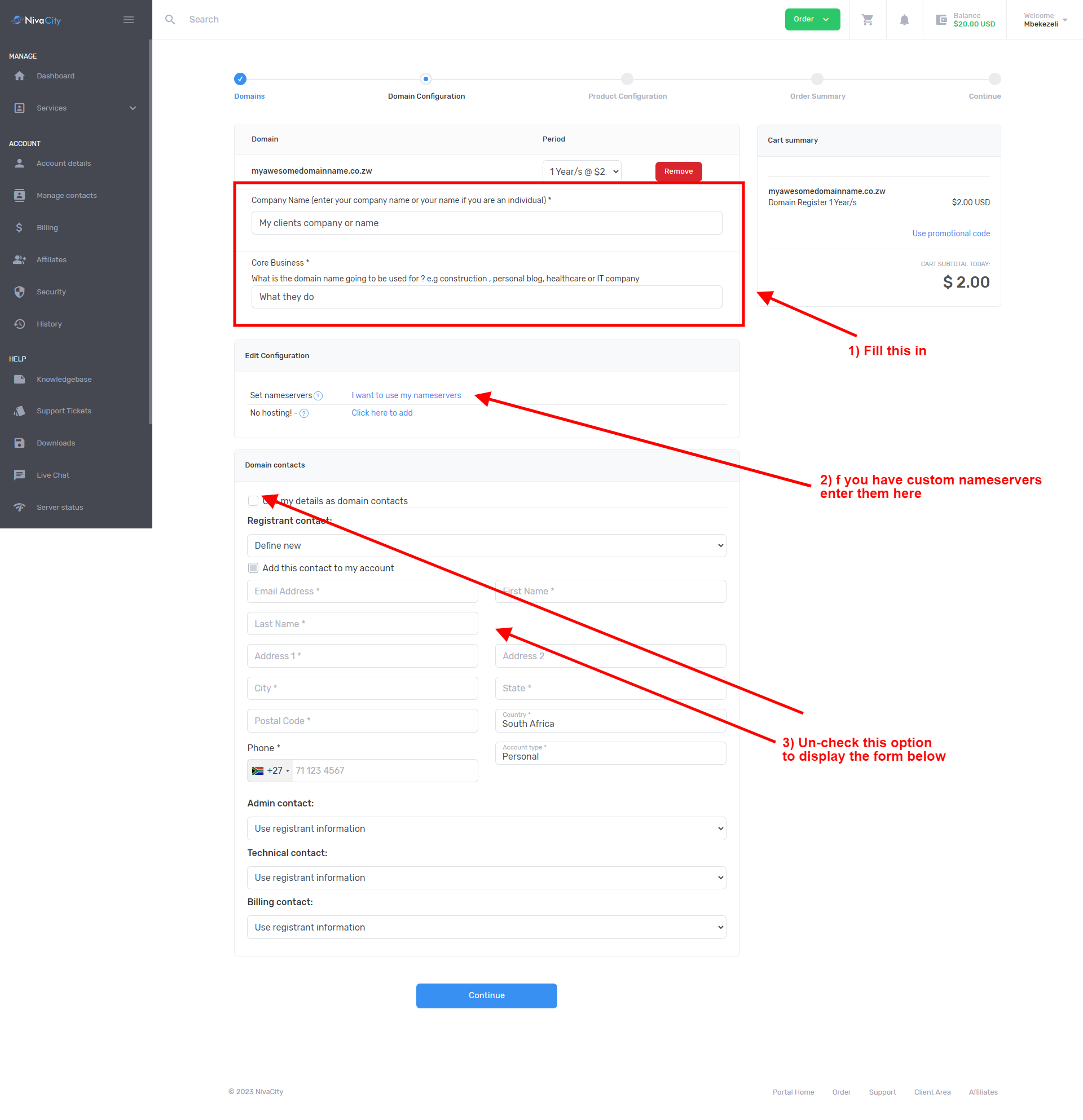
Section titled “Step 2: Add your client’s details”Add the domain to your cart and continue to checkout. On the next page, enter your client’s company name and a short description of their business, for example hardware store, builder or engineer. Be specific: the registry queries vague descriptions, which delays the registration. See Business description for what is accepted. Enter the nameservers of a valid hosting account, then click Continue.
Step 3: Review and check out
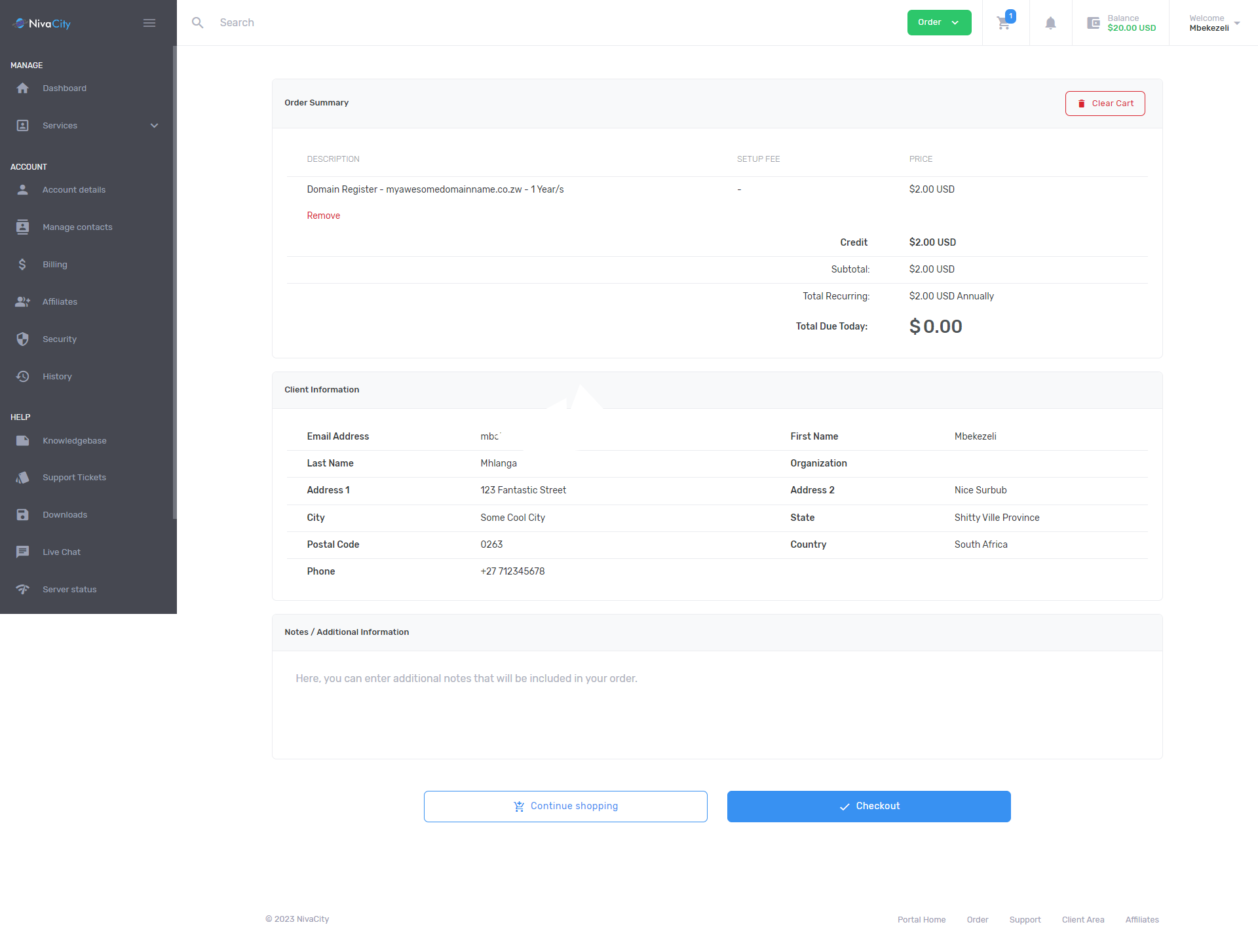
Section titled “Step 3: Review and check out”Review your cart, then click Checkout.
Step 4: Pay
Section titled “Step 4: Pay”Choose a payment option and complete the order.
If you entered the wrong details, you can correct them by following How to update domain customer details.